No scraper to write, nothing to install on the site you are watching, no browser tab left open. Sken.io loads the page on your schedule, compares it against the last capture and tells you when the part you picked is different.
1
Step one
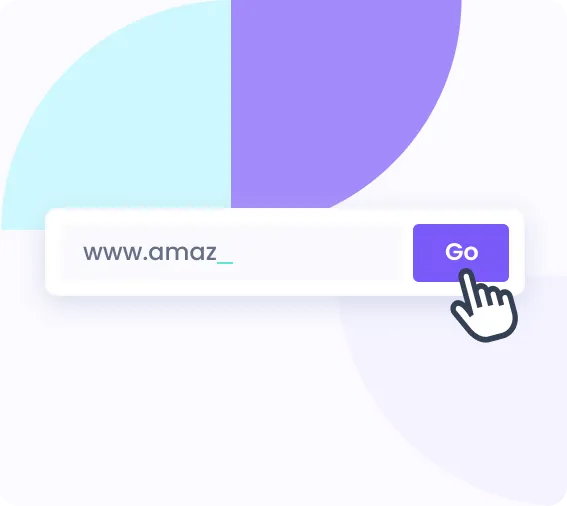
Enter the URL
Paste any public web page. No script to install, nothing to add to the site you are watching.
2
Step two
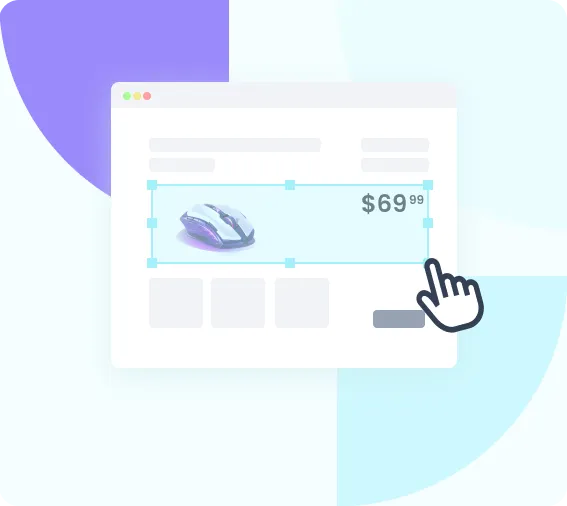
Select the area
Draw a box around the part that matters: the price, the availability line, the job list. The rest of the page is ignored.
3
Step three
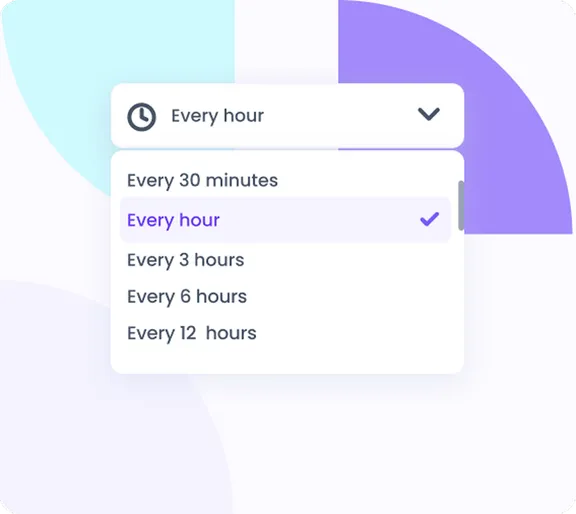
Set the interval
From once a minute to once a month, on every paid plan. One check is one visit to the page, so a fast interval spends your monthly check budget quickly.
4
Step four
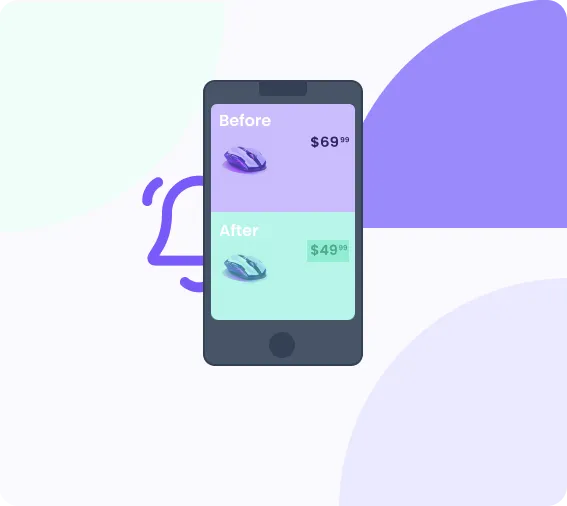
Get notified
When the area changes, Sken.io sends the alert and stores a snapshot so you can see exactly what moved.
Change detection
Two ways to look at a page. Pick the one that won't cry wolf
Most false alarms come from watching the wrong thing. A rotating banner is a visual change but not a meaningful one; a price buried in the markup is a content change you do want. Sken.io gives you two change detection modes, so you choose which question you are asking.
Visual
Sken.io renders the page and compares what it looks like. Use it when the thing you care about is something you'd notice with your eyes: a badge appearing, a layout changing, a photo swapped, a "sold out" label turning into a buy button.
Catches changes that never touch the text
Side-by-side compare highlights the altered area
Best for shops, booking pages, dashboards
Content
Sken.io compares the text inside the area you selected. Use it when the wording is the signal and the design is noise: a new listing, an updated deadline, a changed clause, a number that moved.
Immune to redesigns and moving images
No alert when only styling changes
Best for job boards, legal pages, feeds
Element removal for the things that ruin a comparison
Cookie banners, newsletter popups, chat widgets and rotating ads change on every load and will happily trigger an alert every single check. Element removal mode strips them out before the comparison runs, so you only hear from Sken.io when something real moved.
Pick the channel you actually watch. Your inbox, your phone, your team chat or your own endpoint.
Email
Before and after images inline
Android app
Push straight to your phone
Slack
Into any channel
Discord
For communities and teams
Google Chat
For Workspace teams
Webhooks
POST it wherever you like
Zapier
Wire it into thousands of apps
Chrome extension
Start a monitor as you browse
What people watch
Anything that changes on a page somebody else controls
The pattern is always the same: information you need is published on a page you do not own, it changes without warning, and nobody sends you a notification. That is the gap Sken.io fills.
Availability and restocks
Watch a product page, a campsite calendar or a booking form and get the alert the moment a slot opens, usually because somebody else cancelled.
This monitoring service is a breeze to use. It simply does what it should, and the pricing is so affordable. Highly recommended!
Oliver Pedersen@oliverpedersen
I've been using this website monitoring service for a while now, and I'm extremely impressed. Whenever there's a change on the websites I track, I receive notifications promptly. Perfect for my small business!
Eszter Molnár@esztermolnar
I've tried various website monitoring tools, but this one stands out. It's remarkably easy to set up, and I appreciate how it quietly works in the background.
Paweł Jankowski@paweljankovski
Questions
Website change monitoring questions, answered
What is website change monitoring?
Website change monitoring is an automated check that loads a page on a schedule, compares it against the previous capture, and alerts you when the part you selected is different. You will also see it called a website update checker or a page change tracker. The mechanism behind those names is the same. It replaces the habit of reopening the same tab to see whether anything moved.
How does Sken.io detect a change?
Two ways, and you choose per monitor. Visual mode renders the page and compares how it looks, which catches changes that never touch the text: a badge appearing, a layout shifting, a sold-out label turning into a buy button. Content mode compares the text inside the area you selected and ignores styling, which suits job boards, legal pages and feeds.
How often can Sken.io check a page?
From once a minute to once a month, and every paid plan can select a 1-minute interval including the €3 Basic plan. Speed is not gated by tier. What differs is the check budget: one check is one visit to one page, so a 1-minute monitor spends 1,440 checks a day. On the 500-check Basic plan that is roughly eight hours of continuous 1-minute monitoring, which makes fast intervals a tool for short high-stakes windows rather than year-round watching.
Do I need to install anything on the site I want to monitor?
No. Sken.io loads the public page from the outside the same way a visitor would, so you can monitor sites you do not own and have no access to. There is no script to embed and nothing to configure on the target site.
Can Sken.io monitor pages that need JavaScript to render?
Yes. Sken.io renders pages in a real browser before comparing them, so content that is drawn by JavaScript after load is handled normally.
Can it monitor pages behind a login?
Public pages are the sweet spot, including ones that need JavaScript to render and ones on sites you have no access to. Sken.io loads them the way an anonymous visitor would, so pages behind a multi-step sign-in are outside what it is built for.
How do I stop cookie banners and popups from triggering false alerts?
Use element removal mode. Cookie bars, newsletter popups, chat widgets and rotating ads change on nearly every load and would otherwise fire an alert on every check. Element removal strips those elements out before the comparison runs, so only real changes reach you.
How much change history does Sken.io keep?
Up to 12 snapshots per monitoring task. That is enough to see how a page evolved across recent changes and to compare any two of them side by side, but it is a rolling history rather than a permanent archive.
Is there a free trial, and what does it cost afterwards?
There is a 14-day free trial with 140 checks and every feature unlocked, with no credit card and no setup fee. Paid plans start at €3 a month for 500 checks, €12 for 3,000 and €45 for 15,000, with custom limits available.
Pick a page. We'll watch it.
Set up your first monitor in about a minute. 14 days free, 140 checks, every feature unlocked and no card until you decide it is worth paying for.